
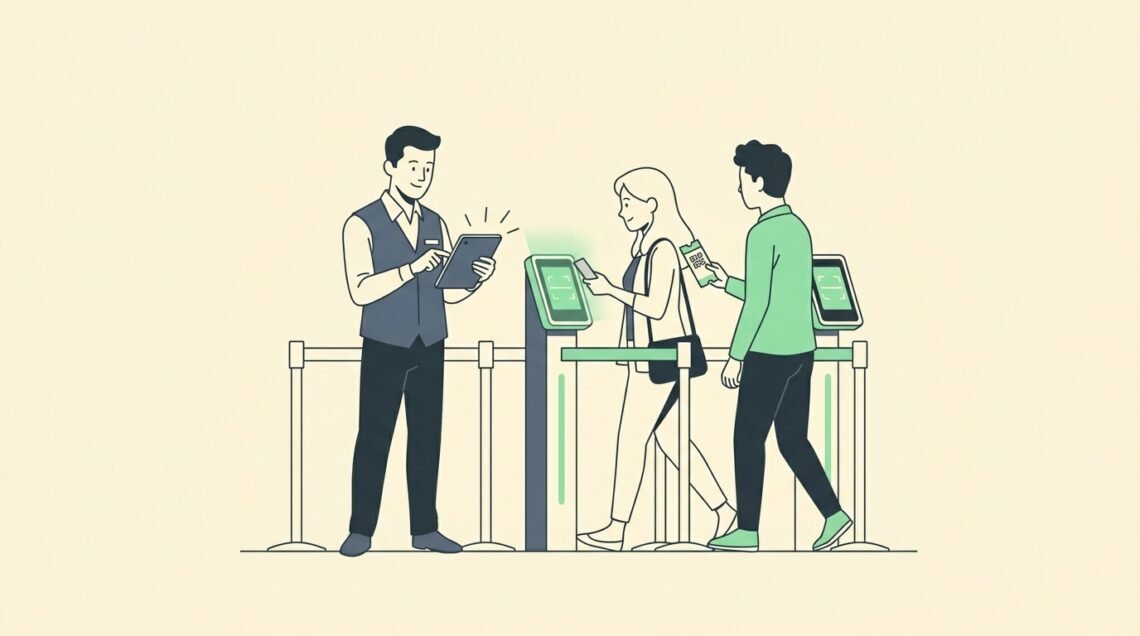
Managing entrance gates during a live event is one of the most stressful challenges facing an event coordinator. Long entry lines create immediate attendee frustration, delay main stage presentations, and create physical safety risks near venue doors.
A single crashed check-in terminal or lagging Wi-Fi router halts entrance flow entirely. Knowing how to manage event check-in with dedicated hardware scanning, multi-lane staging, and trained entrance marshals prevents long queues and protects attendee satisfaction.
This operational playbook breaks down entrance gate logistics step by step. You will learn how to configure offline hardware scanners, structure fast-track entry lanes, set staff-to-attendee ratios, and track arrival metrics in real time.
Quick Answer: How to Manage Event Check-In
To manage event check-in efficiently, deploy dedicated laser hardware scanners running on a local offline Wi-Fi router rather than relying on the venue’s public internet. Maintain a staff ratio of 1 check-in agent per 150 expected attendees during peak hours to achieve a target throughput speed of 25 to 30 scans per minute per lane. Separate security bag checks from ticket validation stations, establish clear directional signage at least 50 feet ahead of entrance stanchions, and synchronize all online advance sales with a central box office database to prevent duplicate pass entries.
Key Takeaways
- Deploy Dual-Mode Offline Hardware: Equip entry lanes with laser scanners synced to a local router to maintain scanning speeds during venue Wi-Fi outages.
- Separate Security from Validation: Position security screening and bag checks 30 feet ahead of digital check-in terminals to prevent line congestion.
- Enforce 1:150 Staffing Ratios: Schedule 1 check-in operator per 150 attendees during the peak 60-minute arrival window.
- Centralize Real-Time Analytics: Monitor check-in throughput rates continuously to reallocate staff dynamically to high-volume entrance lanes.
What You Need Before Event Day
Successful gate operations require preparing equipment and venue layouts at least 48 hours before doors open.
Gather the following operational assets before staff arrives on site:
- Dedicated Scanner Hardware: Dedicated handheld laser scanners or camera devices loaded with validated mobile check-in apps.
- Offline Router Setup: A private local Wi-Fi router configured to sync check-in devices locally without requiring a public cloud internet connection.
- Physical Queue Stanchions: Retractable belt stanchions and floor tape to guide attendees into orderly single-file lanes.
- Clear Directional Signage: High-visibility overhead signs designating VIP lanes, General Admission, Media, and On-Site Registration.
- Backup Power Stations: Heavy-duty portable battery packs and charging docks at each scanning station.
Step 1: Establish Your Digital Registration System
Your entrance gate speed depends entirely on the accuracy of your attendee database.
Export pre-registered attendee data from your registration software into your mobile check-in application. Ensure all ticket tiers, registration statuses, and guest access permissions reflect live sales records.
When integrating your registration portal with venue gate terminals, review our guide on implementing digital ticketing to ensure server database synchronization during high-volume registration drops.
Confirm that your check-in app supports barcode, QR code, and manual name search validation options to handle damaged printouts or unreadable phone screens.
Step 2: Configure Dual-Mode Hardware Scanning
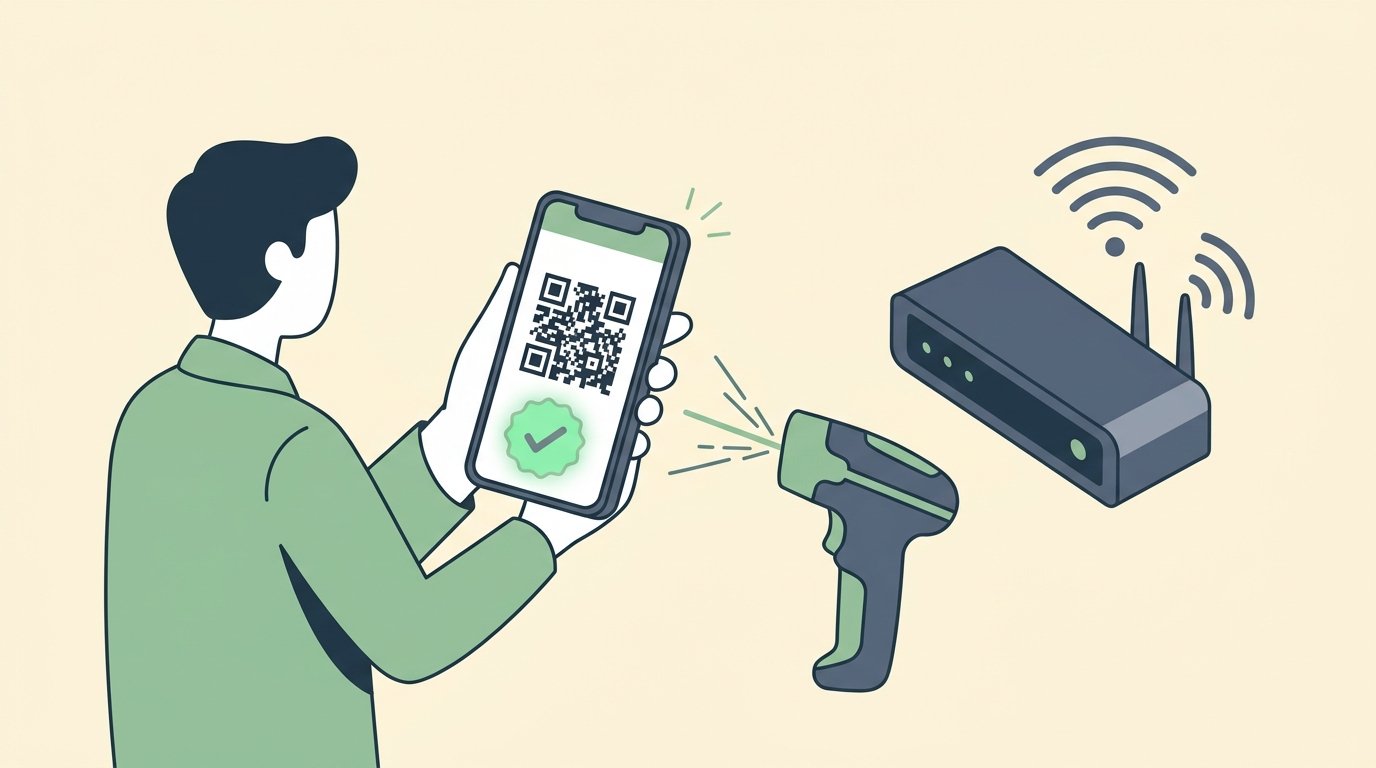
Public venue Wi-Fi networks frequently crash when thousands of attendees arrive simultaneously and connect their mobile devices.
Equip check-in terminals with hardware scanners capable of dual-mode operation. Dual-mode devices operate online when internet connectivity is active and switch automatically to local offline memory mode during network drops.
To evaluate backend database structures and scanning hardware protocols, read our technical breakdown on how digital ticketing works.
According to operational standards published in PCMA’s event technology guidelines, offline scanner caching prevents gate closures during internet outages and maintains entry processing speeds without losing attendee validation data.
Step 3: Design Multi-Lane Entrance Staging
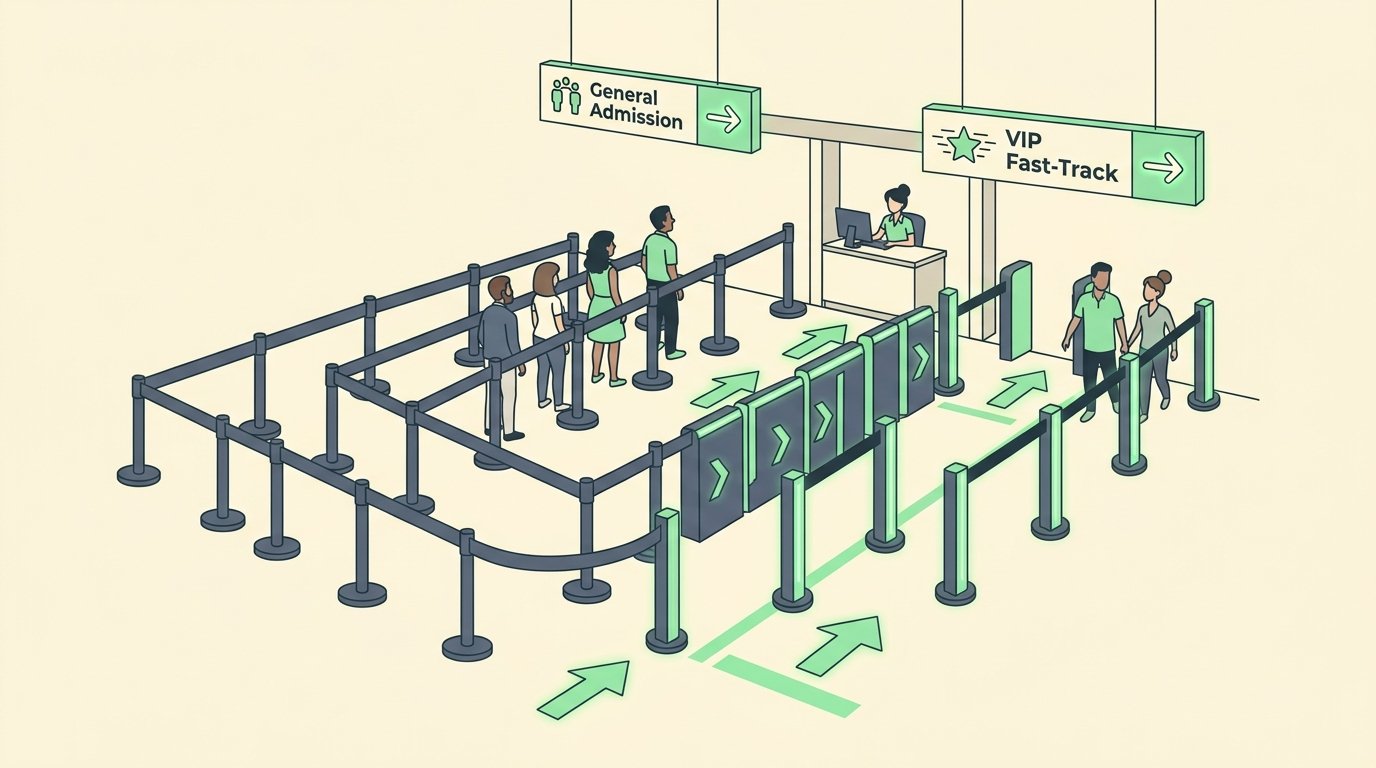
Prevent bottlenecking by designing a multi-stage entrance layout outside venue doors.
Establish physical separation between security screening, ticket scanning, and badge pickup stations. Placing security bag checks 30 feet ahead of scanning terminals ensures attendees have their digital passes ready when reaching the check-in operator.
For a detailed layout planning framework covering entrance footprint dimensions, consult our master event planning checklist.
Designate dedicated fast-track lanes for attendees without bags, VIP pass holders, and speaker check-in to distribute foot traffic evenly across entry doors.
Step 4: Train Entrance Staff and Stanchion Marshals
Even the best check-in software fails if entrance staff lack proper training.
Conduct a mandatory 30-minute operational briefing with all gate staff 90 minutes before doors open. Assign specific roles to each team member:
- Stanchion Marshals: Position marshals 50 feet ahead of entry lanes to instruct attendees to open mobile wallet passes and increase screen brightness.
- Scanner Operators: Operators focus exclusively on rapid pass scanning, validating 25 to 30 tickets per minute.
- Troubleshooting Agents: Direct attendees with invalid barcodes or payment disputes away from main lanes to a separate resolution desk.
Clear division of labor prevents scanning line pauses and maintains continuous entry momentum.
Step 5: Monitor Real-Time Traffic Analytics
Tracking check-in data during doors-open provides real-time visibility into entry flow.
Monitor live check-in dashboards to identify peak arrival windows, track scanning throughput per lane, and measure progress against expected attendance totals.
To calculate net financial margins and operational staffing budgets per event size, review our step-by-step guide on how to price event tickets.
According to benchmark research from Eventbrite’s venue operational survey, reallocating staff to high-density entry lanes based on real-time arrival metrics reduces average line wait times by up to 35%.

Operational Comparison: Manual vs Camera vs Laser Scanning
Selecting the right hardware scanning setup directly impacts your gate throughput speed.
| Scanning Method | Average Scans Per Minute | Internet Dependency | Fraud Prevention | Equipment Cost |
|---|---|---|---|---|
| Paper List Check-Off | 4 to 6 scans | Zero internet required | Low (High human error risk) | Minimal ($0 software cost) |
| Mobile Phone Camera | 12 to 18 scans | Requires steady connection | Medium (Slow focus in dim light) | Moderate (Uses staff phones) |
| Dedicated Laser Scanner | 25 to 30 scans | Supports offline local sync | High (Instant duplicate alert) | Higher ($150 to $300 rental) |
| Self-Service RFID Gate | 35 to 45 scans | Local server network sync | Maximum (Encrypted pass validation) | Enterprise tier setup |
Common Entrance Bottlenecks and Operational Fixes
Recognizing gate friction points allows coordinators to resolve delays immediately.
- Dim Mobile Screens: Attendees approach scanners with low phone screen brightness, causing camera read failures. Fix: Station stanchion marshals 50 feet back with signs instructing attendees to turn screen brightness to maximum.
- Unresolved Ticket Disputes: Buyers searching for lost email confirmations block active scanning lanes. Fix: Establish a dedicated Help Desk 20 feet away from main entry lanes to resolve order issues without stopping line flow.
- Bag Inspection Delays: Security staff searching large backpacks slow down ticket validation operators. Fix: Move bag inspection tables 30 feet in front of digital scanning terminals.
- Station Overload: One entrance door experiences long lines while adjacent lanes remain empty. Fix: Assign a floating floor manager to redirect waiting attendees to open check-in stations.
Frequently Asked Questions
How many check-in scanners do I need for my event?
Plan for 1 scanning station per 150 expected attendees during your primary 60-minute arrival window. For example, a 1,000-person conference opening doors at 8:00 AM requires 6 to 7 active scanning lanes.
What happens if venue Wi-Fi goes down during check-in?
Professional check-in apps store validation databases locally on device memory or sync across a private local router. This allows scanners to validate tickets offline and push synchronized check-in totals once connectivity restores.
How early should event check-in open before main sessions?
Open check-in doors at least 60 minutes before main stage presentations or keynote addresses for events under 1,000 attendees, and 90 to 120 minutes early for outdoor festivals or large conventions.
Should I use self-service check-in kiosks or staff-operated scanners?
Self-service kiosks work best for multi-day corporate conferences with badge printing. Staff-operated laser scanners are superior for fast-entry concerts, sporting events, and outdoor festivals requiring maximum throughput.
Summary
Managing event check-in successfully requires balancing software database accuracy, dedicated hardware scanners, and organized physical lane staging.
Equip your team with offline-capable laser scanners, establish clear lane separation, and train staff to redirect troubleshooting cases away from primary entry doors. By establishing structured gate operations, you ensure smooth entry experiences and protect attendee safety from doors-open to final presentation.
Written by Franklin Alfano, Digital Operations & Ticketing Specialist at Bilieter.