

Selecting an event ticketing system is one of the most critical operational decisions an event organizer makes. Your software choice controls your ticket revenue collection, attendee checkout speed, buyer data ownership, and entry gate scanning speed.
A bad platform setup leads to hidden transaction fees, crashed checkout pages during peak demand, lost customer emails, and long entrance lines. Choosing the right software stack ensures predictable cash flow, fast gate check-in, and smooth attendee experiences.
This guide provides a detailed analysis of event ticketing system architecture. You will learn how to evaluate fee structures, white-label branding options, hardware scanner compatibility, merchant gateway connections, and customer database security.
Key Takeaways
- Evaluate True Processing Costs: Calculate total per-ticket fees, merchant gateway rates, and PCI compliance charges rather than relying on advertised base percentages.
- Enforce Full Customer Data Ownership: Ensure your contract gives you 100% ownership of attendee contact records without third-party retargeting by the software vendor.
- Require Dual-Mode Hardware Scanning: Deploy ticket scanners capable of operating on local offline Wi-Fi networks to maintain 25 to 30 entry scans per minute during venue internet drops.
- Connect Unified Financial Frameworks: Link online advance sales, box office walk-ups, and merchandise sales to a single inventory database to prevent overselling.
Core Architecture of a Modern Event Ticketing System
An event ticketing system is a multi-tiered software infrastructure connecting digital buyers, payment networks, and physical entrance gates.
1. The Digital Registration Portal
The registration portal is your online storefront. It handles ticket selection, inventory hold timers, buyer contact forms, and order confirmation generation.
High-converting portals utilize single-page checkout forms with minimal input fields. Reducing checkout steps from four pages to a single page increases purchase completion rates by up to 22%.
When setting up your digital sales portal, review our guide on implementing digital ticketing to understand server capacity requirements during high-volume ticket drops.
A strong registration portal maintains 99.99% uptime, processes mobile transactions in under ninety seconds, and delivers instant digital PDF or wallet passes via email.
2. Payment Gateway and Merchant Processing
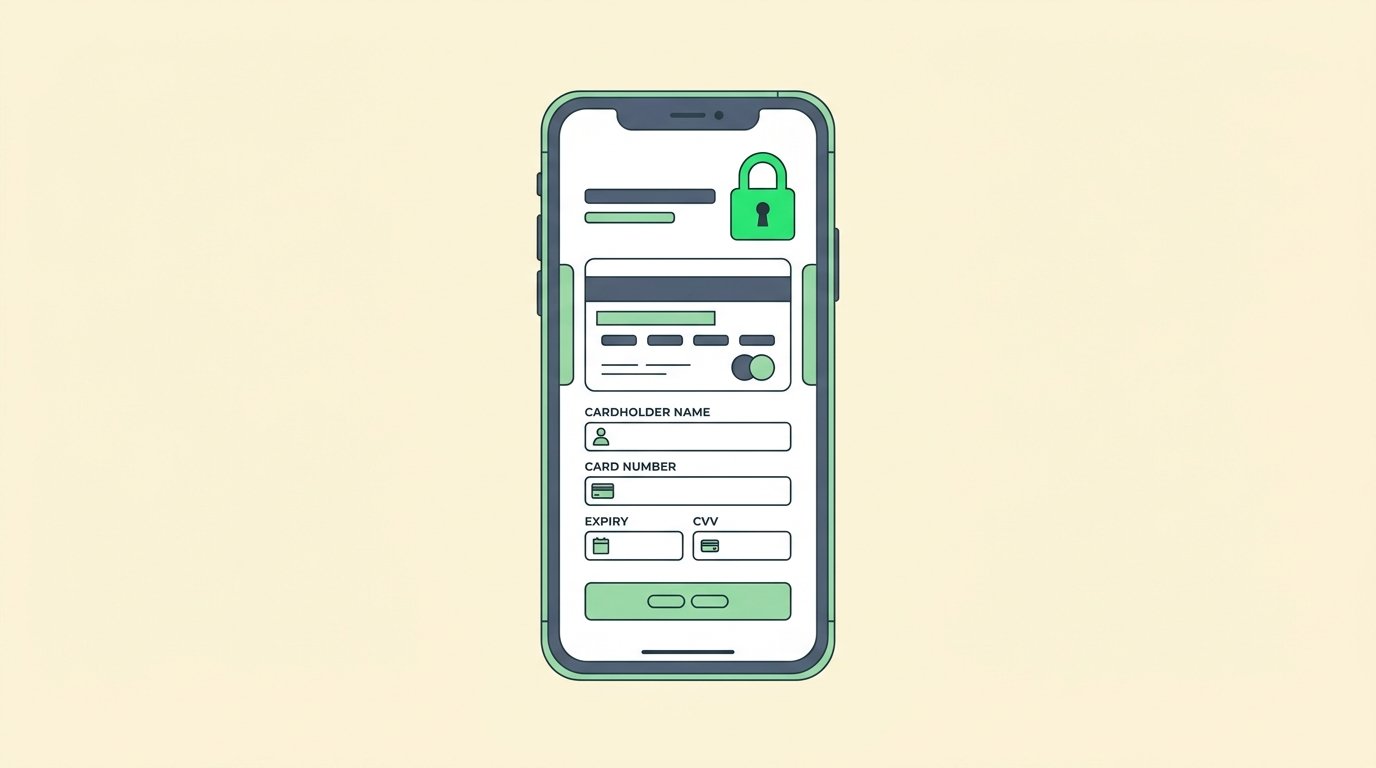
Your payment gateway processes credit card, debit card, and mobile wallet payments directly into your merchant account.
Ensure your platform supports direct integration with established payment gateways like Stripe, PayPal, or Square. Direct gateway connections pay revenue directly to your bank account daily, rather than holding funds until after the event closes.
To calculate net margins per ticket tier alongside merchant gateway rates, consult our step-by-step breakdown on how to price event tickets.
A secure merchant setup provides daily payout settlements, automatic fraud screening, and full PCI-DSS Level 1 compliance certification.
3. Database Inventory Management
The inventory engine tracks ticket availability across all sales channels in real time. It prevents double-selling by locking inventory items the moment a buyer adds a pass to their cart.
A unified inventory database coordinates advance online sales, partner distribution outlets, phone orders, and physical box office walk-ups. If an online buyer purchases the last VIP pass, your physical box office terminal updates instantly.
Centralized inventory tracking eliminates overselling errors, maintains accurate real-time attendance caps, and simplifies daily sales reporting.
Key Features to Demand in Your Ticketing Platform
Never sign a platform contract without verifying these mandatory operational capabilities.
1. Full Customer Data Ownership
Many consumer ticket portals collect buyer email addresses and remarket competing events directly to your customer list. Demand full data ownership in writing.
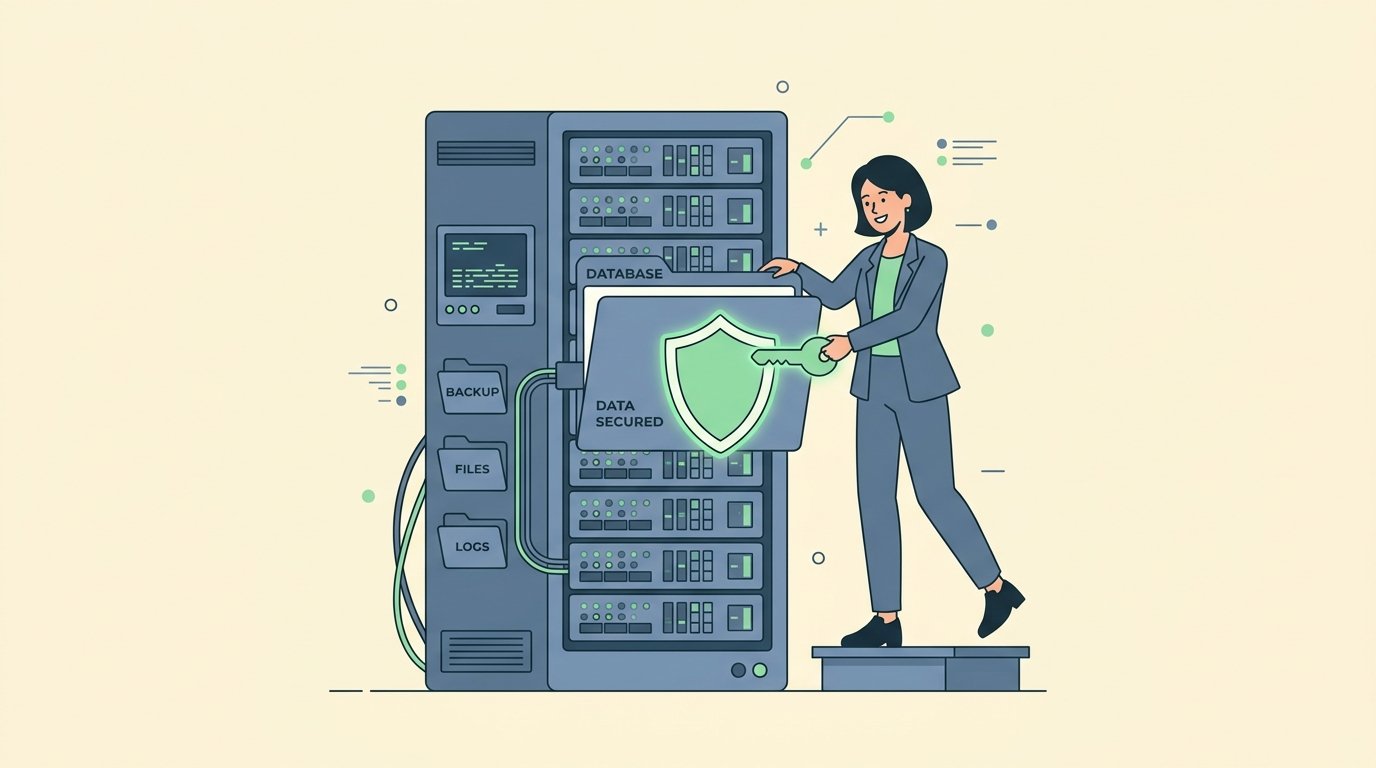
Your contract must grant you exclusive rights to all attendee contact information, purchase history, and demographic data. According to industry standards published in PCMA’s event technology guidelines, retaining full customer data control increases attendee retention across annual event series by over 40%.
Complete data ownership guarantees your organization can export full CSV records, sync CRM systems, and market future events without vendor restrictions.
2. Flexible Ticket Tiering and Promo Codes
Your software must support complex pricing structures, including super-early-bird rates, tiered general admission, VIP packages, group discounts, and timed entry passes.
Configure customizable promotional code rules. Set codes for flat discount amounts, percentage markdowns, usage count limits, or specific date range expirations.
Flexible tiering empowers event coordinators to launch strategic flash sales, reward sponsor partners, and maximize net ticket revenue.
3. On-Site Check-In and Scanner Synchronization
Online ticket sales represent only half of your operational workflow. Your platform must include dedicated mobile apps for fast on-site entry scanning.
Test check-in scanning software using optical camera scanners or dedicated laser scanning hardware. Verify that scanner devices sync data across local networks without lagging.
For complete operational checklists covering entrance lane setups and crowd management, consult our master event planning checklist.
Efficient check-in software validates 25 to 30 attendees per scanning lane every minute while instantly flagging duplicate or fraudulent tickets.

Fee Structures Explained: Avoiding Hidden Costs
Knowing how fees are calculated protects your operating margin.
| Fee Model | Typical Rates | Best Used For | Operational Advantage | Watch Out For |
|---|---|---|---|---|
| Per-Ticket Fee | 2.5% + $0.99 per pass | Paid commercial events | Fees pass directly to ticket buyer at checkout | High percentage costs on expensive VIP tickets |
| Flat Monthly Subscription | $99 to $499 per month | Venues with recurring events | Predictable fixed software cost with zero per-ticket markups | Higher baseline cost during off-season months |
| Custom Enterprise Tier | Custom negotiated rates | High-volume festivals (10,000+ attendees) | Dedicated account managers and custom API integrations | Multi-year contractual commitments |
| Free Event Waiver | $0 per ticket | Community workshops and free seminars | Zero financial risk for non-profit gatherings | Software vendor ads placed on confirmation pages |
According to independent benchmark data from Eventbrite’s venue operational survey, total ticketing overhead including gateway fees should not exceed 8% of gross ticket sales revenue.
How to Select the Right Ticketing System for Your Event
Follow this structured selection framework to choose the optimal platform for your operational scale.
| Event Type | Attendance Size | Primary Feature Requirement | Recommended Architecture |
|---|---|---|---|
| Small Workshops | 20 to 150 attendees | Simple registration form & fast setup | Lightweight embedded widget with direct Stripe payout |
| School & Campus Athletics | 200 to 2,000 attendees | Student pass rules & gate scanning | Dedicated digital school portal with offline scanner hardware |
| Commercial Conferences | 500 to 3,000 attendees | Custom badge printing & tier options | White-label platform with CRM integration & custom registration |
| Outdoor Festivals | 5,000 to 20,000+ attendees | Offline local gate sync & box office | Enterprise platform with dedicated local server & laser scanners |
Frequently Asked Questions
What is an event ticketing system?
An event ticketing system is a digital software platform that manages ticket inventory, processes online payments, generates secure digital passes, and validates attendee entry at venue gates.
How do ticketing platforms handle bad internet at venues?
Professional platforms feature offline scanning modes. Handheld scanners download the complete ticket validation database to local device memory or sync across a private local router, allowing continuous gate scanning without active internet.
Can I pass ticketing fees on to the buyer?
Yes. Most ticketing systems allow organizers to absorb transaction fees into the base ticket price or pass fees directly to the buyer as an added line item at checkout.
What is white-label event ticketing?
White-label ticketing allows organizers to embed the entire checkout portal onto their own domain website. The ticket buyer sees your brand logo, custom colors, and URL rather than a third-party vendor site.
Summary
Selecting the right event ticketing system requires balancing software fee transparency, customer data ownership, and gate check-in reliability.
Prioritize platforms that offer direct merchant payouts, flexible tier configuration, and reliable offline scanner synchronization. By connecting a secure ticketing platform to a structured operational schedule, you protect your revenue margins and deliver a fast entry experience for every attendee.