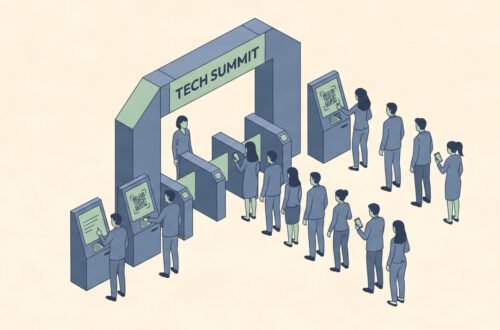
Your Friday night football game draws 800 fans. Your staff is juggling a cash box, a roll of paper tickets, and a line that stretches to the parking lot. By halftime, your athletic director has aged five years.
This is exactly why GoFan digital tickets have spread to thousands of high schools and middle schools across the United States. The pitch is simple: faster gates, automated reporting, and no more cash security headaches. But the reality on the ground is messier than the marketing suggests.
This guide gives school administrators, athletic directors, and event coordinators an honest, operational look at GoFan digital tickets versus traditional ticketing. You’ll find a real comparison of fees, gate speed, community reception, and when each system actually makes sense for your school. If you’re weighing a switch or getting pressure from your district, this is the information you need first.
What GoFan Digital Tickets Actually Are
GoFan is a mobile ticketing platform built specifically for high school and middle school athletics, theater productions, and school dances. It is owned by PlayOn Sports, which also operates the National Federation of State High School Associations (NFHS) Network.
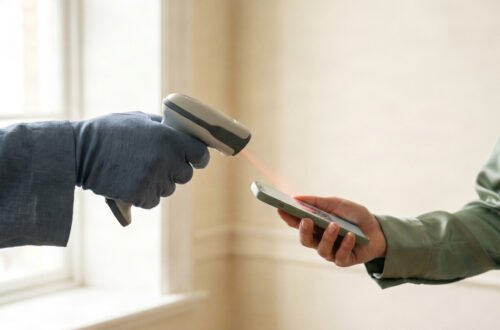
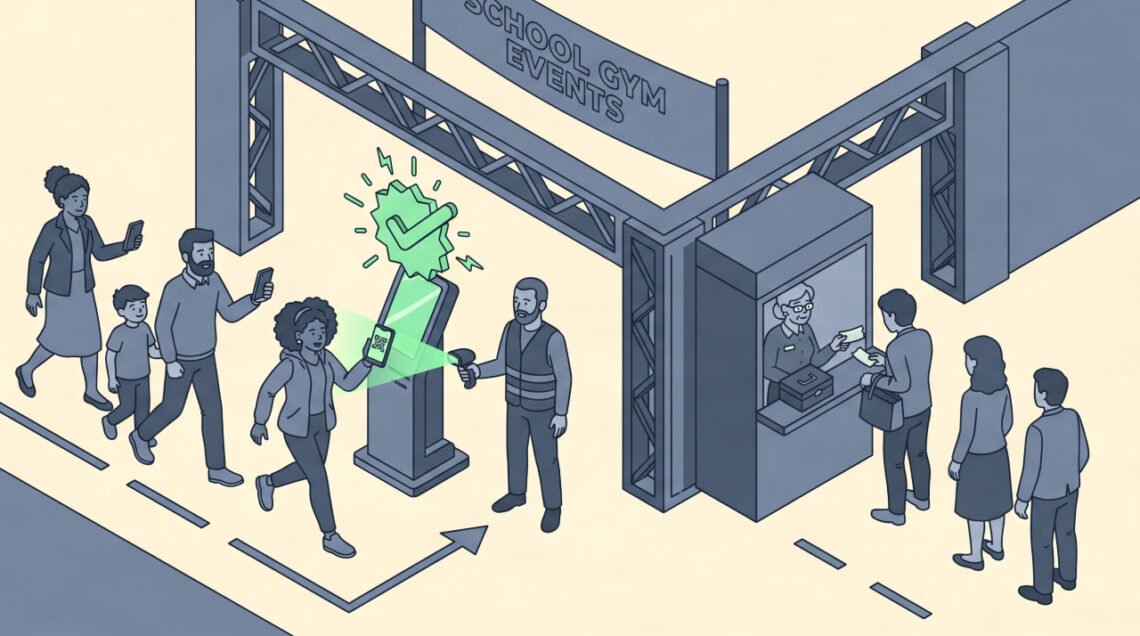
Schools sign up through GoFan and list their events on the platform. Fans purchase tickets online using a credit card, Apple Pay, or Google Pay and receive a QR code on their phone. Gate staff scan the code with a smartphone or dedicated scanner, and the ticket is marked as used in real time.
The platform handles financial reconciliation automatically. Schools receive payouts directly to their account, and revenue reports are available in the GoFan dashboard without any manual counting or cash deposit runs.
What Traditional Ticketing Looks Like
Traditional school event ticketing means cash or check payments at the gate, combined with physical paper tickets or wristbands. Some schools sell tickets in advance through the front office. Most rely heavily on the gate itself.
Staff must count and secure cash during the event, reconcile it against ticket stubs after the event, and make a bank deposit. For large events, this creates real security concerns. For small events, it creates administrative busywork that pulls staff away from event operations.
The core advantage of traditional ticketing is accessibility. Anyone with cash can attend. No smartphone, no app, no account needed. For communities with older demographics or lower smartphone penetration, this matters.
GoFan Digital Tickets vs. Traditional: The Direct Comparison
| Factor | GoFan Digital Tickets | Traditional (Cash/Paper) |
|---|---|---|
| Upfront Cost to School | Free to set up | Ticket stock, cash boxes, staff time |
| Service Fee | 0.99−2.00+ per ticket (paid by buyer) | None |
| Financial Reporting | Automated, real-time | Manual reconciliation after event |
| Gate Entry Speed | Fast (with prepared staff) | Varies (cash handling slows lines) |
| Cash Security Risk | None | High for large events |
| Accessibility | Requires smartphone + internet | Universal access |
| Advance Sales | Built-in, easy | Requires front office coordination |
| Season Passes | Supported | Manual tracking only |
| Refunds | Platform-managed | Manual process |
| Community Learning Curve | Moderate to high initially | None |
Where GoFan Digital Tickets Win
Cash Security and Staff Workload
This is GoFan’s strongest argument. Handling hundreds or thousands of dollars in cash at a Friday night event creates measurable risk. Staff must count and secure money during the event, store it securely overnight if needed, and complete a bank deposit run.
GoFan eliminates that entire workflow. Revenue goes directly to the school account. Your staff focuses on the event instead of the money box.
For schools running 30, 40, or 50 ticketed events per year, the cumulative staff time saved on manual reconciliation is significant.
Real-Time Attendance and Revenue Data
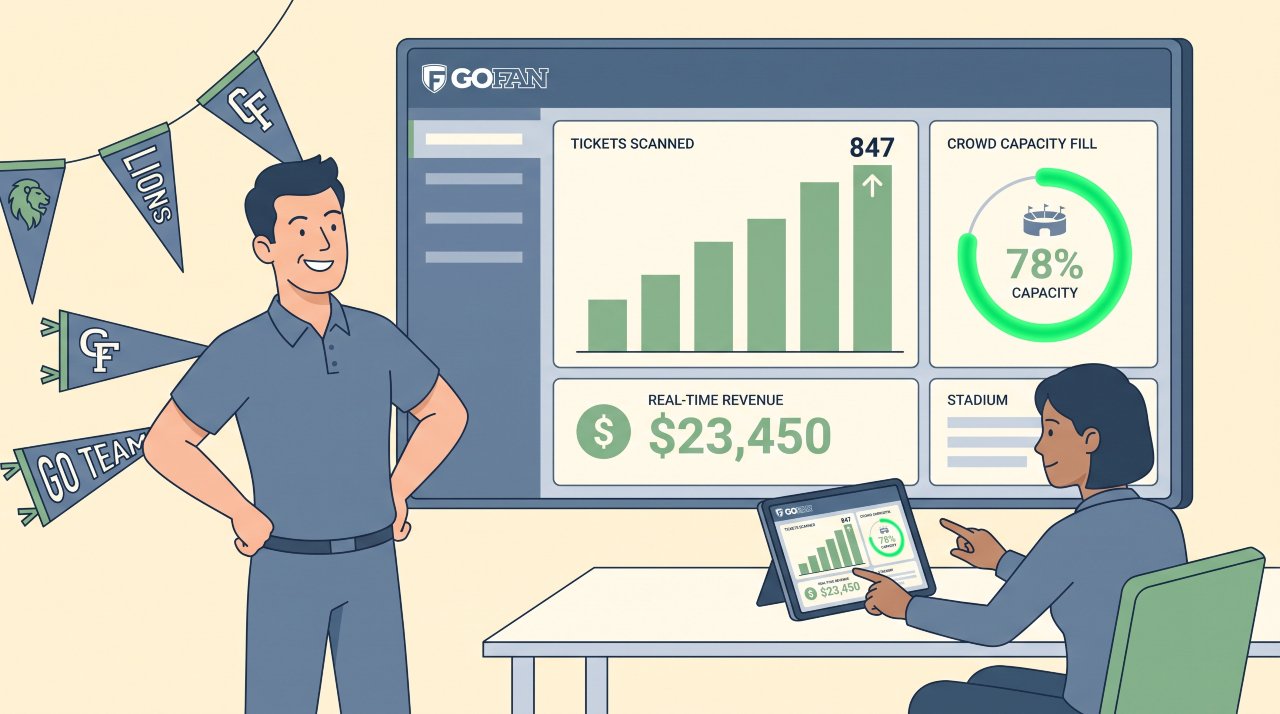
GoFan provides a live dashboard showing ticket sales, check-in rates, and revenue by event. Athletic directors can see exactly how many people have entered the building at any point during the event.
This data helps with concession planning, security staffing decisions, and year-over-year budget forecasting. Paper ticketing systems cannot provide this level of visibility without significant manual effort.
Advance Ticket Sales and Season Passes
GoFan makes advance online sales simple. Fans buy tickets from their couch, which reduces gate congestion on event night. Season pass management, which is a manual nightmare with traditional ticketing, becomes a straightforward digital product in GoFan.
Schools that sell out high-demand events can also enforce capacity limits automatically without relying on staff judgment at the gate.
Where Traditional Ticketing Still Holds Its Ground
Community Accessibility
GoFan requires a smartphone and a reliable internet connection to purchase and display tickets. For older community members, people without smartphones, or attendees in areas with spotty connectivity, a digital-only gate is a real barrier.
The National Federation of State High School Associations (NFHS) has documented community pushback at schools that moved too quickly to digital-only gates without accommodation plans. A grandparent who has attended every home game for 20 years should not be turned away because they don’t have a Google Pay account.
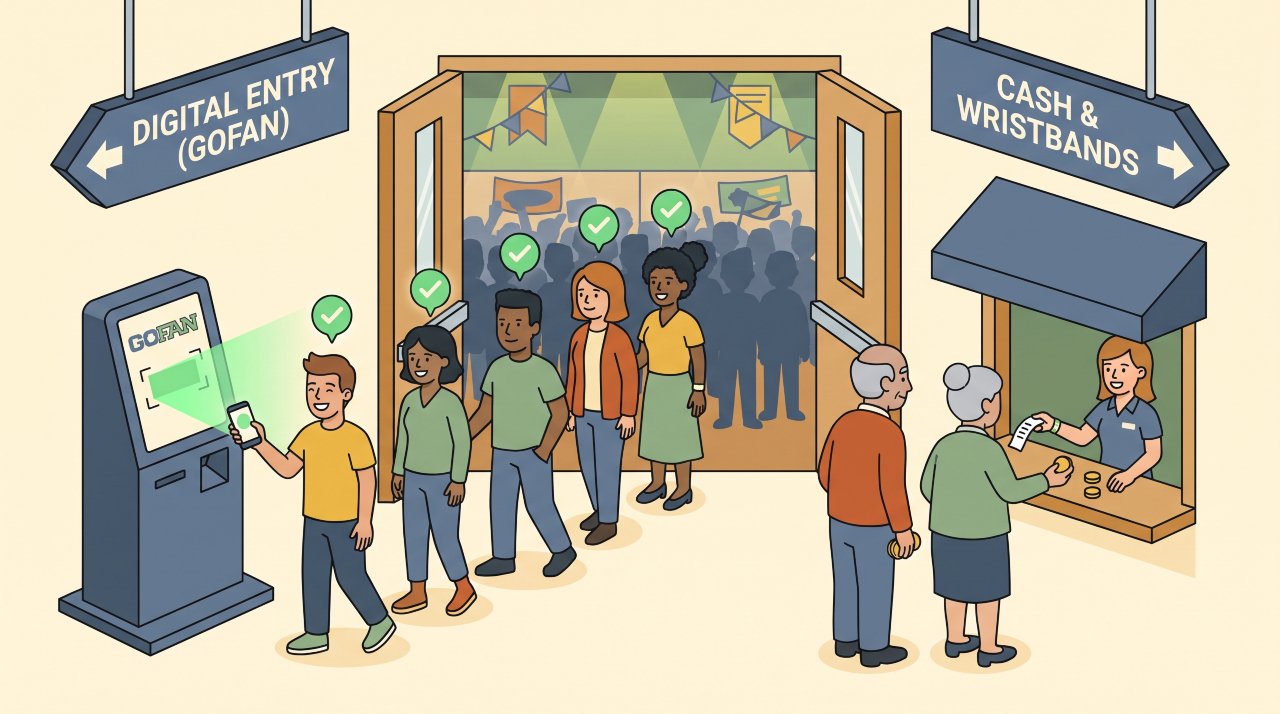
Many schools handle this by maintaining a small cash option at a secondary gate window. This adds some complexity but preserves access for all attendees.
Service Fees and Community Perception
GoFan charges a service fee per ticket that is typically paid by the buyer. Fees vary by event type and price point but commonly run 0.99to2.00 or more per ticket.
For a 5.00ticket,a1.50 service fee represents a 30% surcharge. Parents and community members who were accustomed to a clean face-value price will notice this. School administrators regularly report service fee complaints, particularly in the first season of transition.
It is worth being transparent with your community about where fees go before the season begins. Some schools address this proactively with a short explanation in their athletic communications.
App Confusion at the Gate
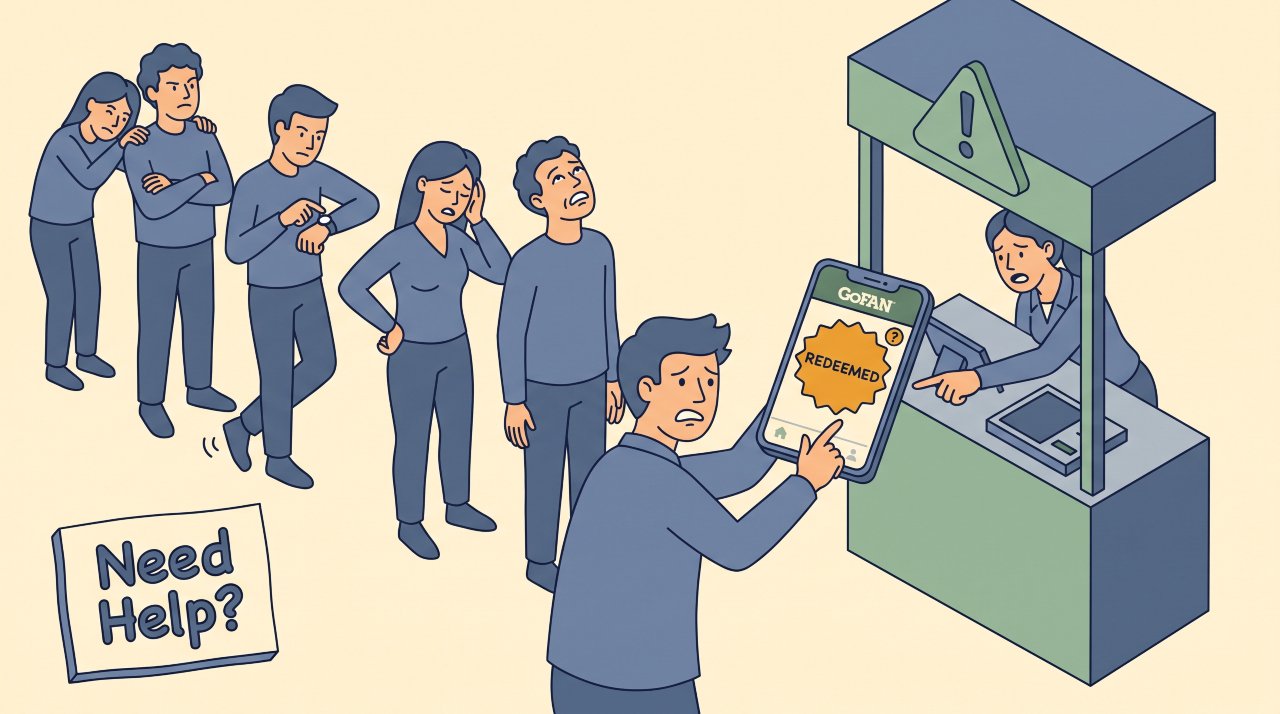
GoFan tickets work through the GoFan app or a browser. Some attendees arrive confused about when to “redeem” their ticket, having already opened it before reaching the gate. Others struggle to locate the QR code quickly.
This is solvable with staff training and clear signage, but it creates a real bottleneck in the first few events of a transition. Schools that prepare gate staff to assist attendees navigate the process report smoother experiences within two to three events.
Common Pitfalls to Avoid
Going digital-only without a backup plan. Always maintain one option for attendees without smartphones, even if it’s a small cash window with limited capacity.
Failing to communicate the fee change. Announce the transition through your athletic newsletter, school app, and social media at least three weeks before your first GoFan event.
Insufficient gate staff training. GoFan scanning is simple but your staff needs to know what a “redeemed” ticket looks like and how to handle app errors. Run a 15-minute training before the first event.
Choosing GoFan for very small events. For an event with 50-100 attendees and minimal cash handling, the community friction of a digital transition may not be worth the operational gain.
Not testing your scanner hardware. If your school is using personal smartphones to scan, test the GoFan scanner feature in real conditions before event night.
When to Use GoFan Digital Tickets (and When to Stick with Cash)
GoFan makes strong operational sense when:
- Your events regularly draw more than 200 attendees
- Cash handling and reconciliation are consuming significant staff time
- You want real-time attendance data for security or capacity planning
- Your community has high smartphone penetration (typically younger demographics)
- You run season passes or high-demand sellout events
Traditional ticketing may be the better fit when:
- Your school community has a significant older or less tech-comfortable demographic
- Events are small (under 150 attendees) with minimal cash security concerns
- You lack staff capacity to train gate teams and handle transition-period questions
- Your district has strict policies on third-party payment platforms
If you’re looking to compare school ticketing options, our breakdown of digital ticketing for schools covers the broader landscape of platforms and what to evaluate before committing.
Frequently Asked Questions
Does GoFan charge schools a fee?
GoFan is free for schools to set up and use. The platform collects service fees from ticket buyers rather than from the school. Schools receive the face value of their tickets minus any platform processing costs, which vary by contract type.
Can fans buy GoFan tickets at the gate?
Yes. GoFan supports at-the-door purchases on a mobile device. However, advance purchase is encouraged and is typically faster for gate operations. Schools can also set up a school-owned tablet at the gate for fans who want to buy on arrival.
What happens if a fan’s phone dies at the gate?
GoFan recommends that fans screenshot their QR code in advance. Gate staff with access to the GoFan admin panel can also look up a ticket by name or order number as a manual override. Having one staff member designated for these exceptions prevents bottlenecks.
Is GoFan available for all school events?
GoFan supports athletics, theater, dances, graduation, and other school events. The platform is used across most U.S. states, though availability of specific features may vary by state athletic association agreement.
How long does GoFan take to set up?
Most schools complete the initial GoFan setup in under two hours. The platform provides a self-service onboarding process. Creating your first event listing typically takes 10-15 minutes.
Does GoFan work offline?
GoFan scanning requires an internet connection to validate QR codes in real time. For venues with poor connectivity, the platform offers a limited offline mode that syncs when connection is restored, but real-time check-in reporting is not available in offline mode.
What Schools Should Decide Before Switching
GoFan digital tickets solve real problems for schools managing high-volume events with significant cash handling. The automated reporting, advance sales, and security benefits are genuine and well-documented.
The service fee friction and accessibility gaps are also real. Schools that manage the transition with clear community communication, a cash-access alternative, and thorough gate staff training consistently report better reception than those that switch without preparation.
Before your district commits, answer three operational questions: How many events do you run per year, how much staff time goes to cash handling and reconciliation, and what does your community’s smartphone access actually look like? Those answers will tell you more than any platform comparison.
To see how Bilieter compares, read our full look at AI-powered digital ticketing for smarter event management.