
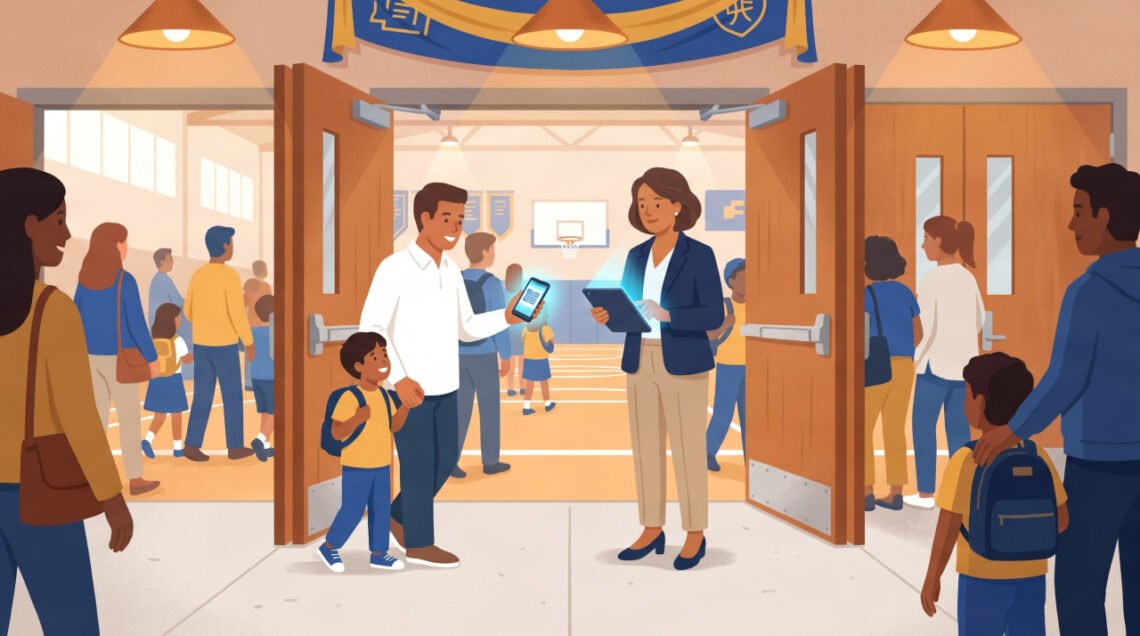
A school in Ohio sold 400 tickets for a gymnasium that holds 300 people. Nobody noticed until the fire marshal showed up. Paper tickets, no real-time count, and a cash box that came up $200 short. That one event cost the athletic director a weekend of headaches, and almost cost the school its occupancy permit.
If that story sounds familiar, you’re not alone. Thousands of schools across the US still run events on cash, paper, and guesswork. Digital ticketing for schools exists specifically to fix this, and in 2026, the tools are better, cheaper, and easier to set up than most administrators realize.
This guide walks you through exactly how digital ticketing works for school events, what problems it solves (and which ones it doesn’t), and how to get your staff and parents to actually use it.
What Is Digital Ticketing for Schools?
Digital ticketing replaces your paper tickets and cash box with an online system where people buy, receive, and scan tickets on their phones. You set up an event page, share the link with parents and the community, and attendees purchase tickets before they arrive.
On event night, a volunteer scans a QR code on each attendee’s phone. The system checks it off in real time and marks it as used. No duplicates, no counting cash, no guessing at the door.
Most platforms let you do this in under 30 minutes of setup. You don’t need a developer or a tech team.
The 6 Biggest Problems It Actually Solves
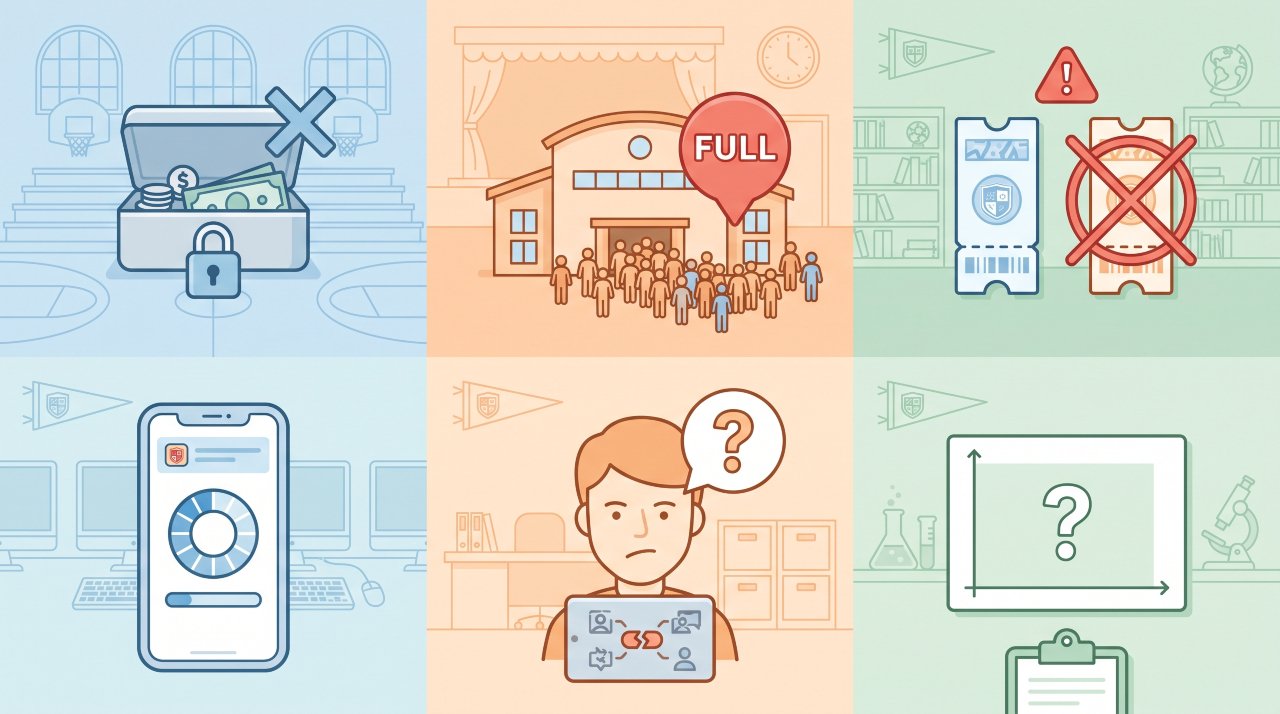
Schools don’t switch to digital ticketing because it sounds modern. They switch because the current system is actively hurting them. Here’s what digital ticketing directly fixes.
1. Cash Handling Is a Security and Accuracy Risk
Counting cash at the door exposes your school to theft, miscounting, and reconciliation errors. According to the Association of School Business Officials International, internal financial controls are one of the top audit concerns for K, 12 schools, and cash events are a major vulnerability.
Digital payments go directly into a tracked account. Every transaction has a timestamp, a buyer name, and a receipt. You can run a full financial report in minutes after the event ends.
2. Overselling Kills Events, and Reputations
Paper tickets have no capacity awareness. You print 500, you sell 500, but you don’t know when seat 301 walks through the door.
Digital ticketing systems enforce hard capacity limits. When the event hits your cap, the sales page automatically stops selling. You set the number once, and the system handles the rest.
3. Fake Tickets Are a Real Problem
Paper tickets can be photocopied. Older students figure this out fast. A color printer and 10 minutes is all it takes to walk into a sold-out dance for free.
Digital QR codes solve this completely. Each code is unique and single-use. The second it’s scanned, the system marks it as used. A duplicate scan triggers an alert. Your volunteer at the door doesn’t need to make a judgment call, the app does it for them.
4. System Crashes Happen When You’re Busiest
This one is worth being honest about. Some generic ticketing platforms, especially free tools not built for event spikes, experience slowdowns right before a big game when hundreds of parents try to buy at once.
When you’re evaluating platforms, ask specifically about uptime guarantees and load testing. A platform built for school events should handle traffic spikes without degrading.
5. Parent Adoption Isn’t Guaranteed
The most common objection you’ll hear: “Our parents don’t use apps.” This fear is understandable, but it’s not entirely accurate.
According to Pew Research Center, 97% of Americans own a cell phone, and smartphone ownership among adults aged 30, 49 sits above 95%. Most parents can buy tickets on their phone. The real barrier isn’t capability, it’s habit and trust.
You solve this with communication, not technology. Send a simple one-paragraph email explaining exactly what parents need to do. Include a screenshot. Offer a paper backup option for your first few events while parents adjust. Most schools see adoption rates above 80% within two or three events.
6. You Have No Data After the Event Ends
Right now, after your event wraps, what do you know? Maybe how much cash came in, if the count was accurate. That’s about it.
Digital ticketing gives you a complete picture: total tickets sold, revenue by ticket type, peak purchase times, percentage of advance vs. door sales, and attendance trends across the school year. That data helps you make better decisions, bigger venues for growing events, earlier marketing for slow-selling ones.
How Digital Ticketing Works on Event Night
Event night is where the real proof shows up. Here’s what the experience looks like when everything is set up correctly.
Before the event: You’ve shared your event link with parents, posted it on the school’s social channels, and sent it through your email list. Tickets sell in advance. You can check real-time sales from your phone at any point.
At the door: One volunteer with a tablet or smartphone runs the scanner. Attendees open their email or the platform app, show their QR code, and get scanned in. Entry takes 3, 5 seconds per person instead of 30, 45 seconds of cash handling.
During the event: You can see live attendance numbers from anywhere. If you’re approaching capacity, you know before it becomes a problem.
After the event: Your full sales and attendance report is ready the next morning. No cash to count, no manual tallying, no reconciliation headaches.
What to Look for in a School Ticketing Platform
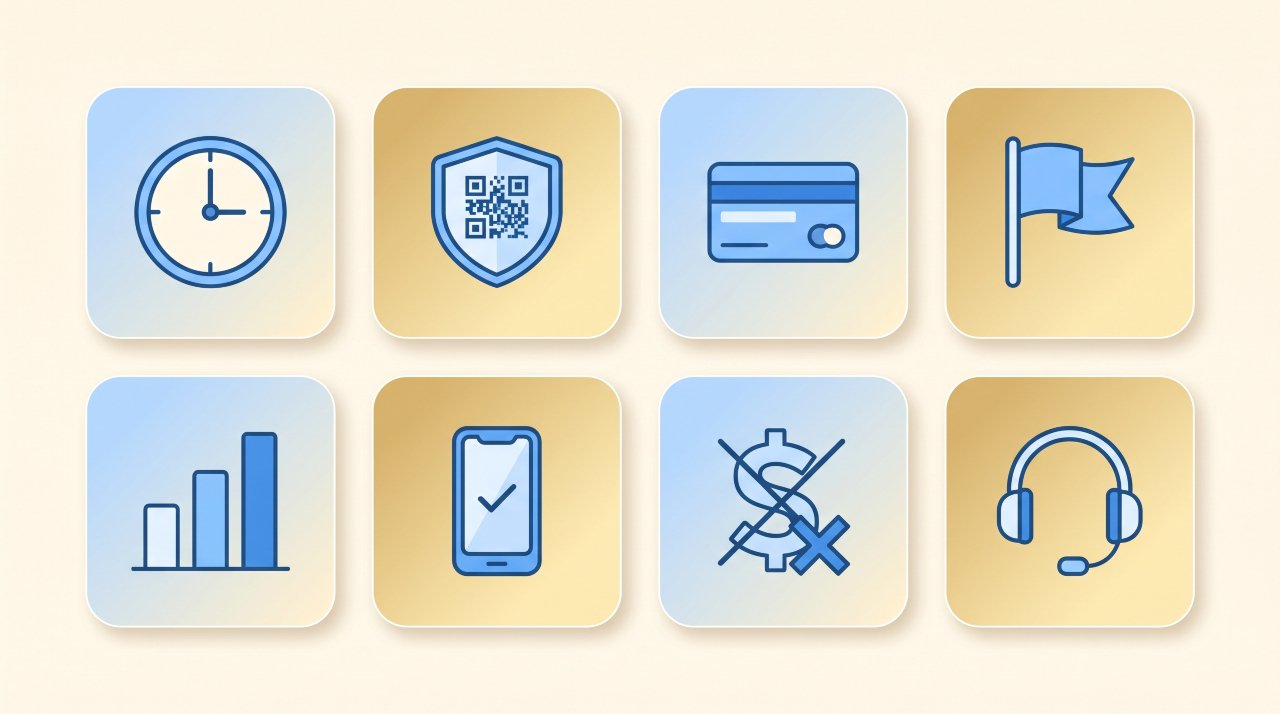
Not all platforms are equal. Here’s a clear comparison of the features that matter most for school events.
| Feature | Why It Matters |
|---|---|
| Real-time capacity limits | Prevents overselling automatically |
| QR code scanning with duplicate detection | Stops fake and photocopied tickets |
| Advance online sales | Reduces door lines and cash handling |
| School-branded event page | Builds parent trust and adoption |
| Instant sales reports | Replaces manual cash reconciliation |
| Mobile-friendly for buyers | Works for parents on any smartphone |
| Low or no platform fee | Keeps more money in your school’s budget |
| Dedicated support (not just a chatbot) | Critical when problems happen before a big event |
When you’re evaluating options, run a quick test: set up a dummy event and time how long it takes. If it takes more than 45 minutes to create a page, collect payment, and generate a test QR code, it’s too complicated for your volunteer team.
How to Transition From Paper to Digital: A Step-by-Step Plan
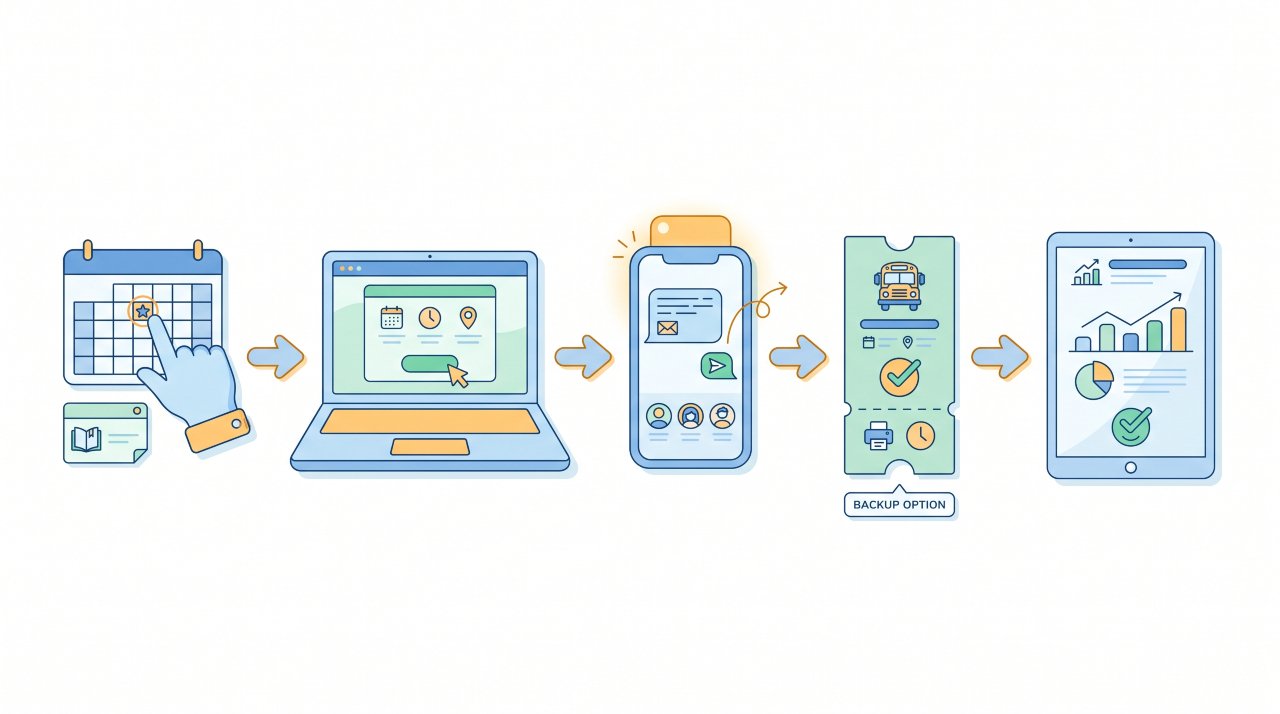
Switching systems mid-year feels risky. Here’s how to do it without disrupting your events.
Step 1: Pick one low-stakes event to test first. A club fundraiser or arts performance is ideal, lower attendance, more forgiving crowd.
Step 2: Set up your event page and run it past two or three staff members before you share it publicly. Catch confusion early.
Step 3: Send parents a plain-language announcement. One paragraph, three steps: “Click the link, choose your tickets, show your QR code at the door.” No jargon.
Step 4: Keep a small paper backup for your first event. Print 20, 30 paper tickets for parents who genuinely can’t purchase digitally. This handles exceptions without breaking the system.
Step 5: Debrief after the event. What caused confusion? What slowed down the entry line? Adjust before your next event.
Most schools that follow this process run their second digital event with zero major issues. The transition is faster than you think.
The Honest Limitations You Should Know
Digital ticketing solves a lot. But you should go in with realistic expectations.
Internet access at your venue is required. If your gym has weak Wi-Fi, offline scanning mode (available on some platforms) is essential. Confirm this feature exists before you commit.
Some parents will resist, at least at first. You won’t get 100% digital adoption on your first event, and that’s fine. Build in a transition period.
Platform fees vary widely. Some platforms charge buyers a convenience fee per ticket, which can frustrate parents. Others charge the school a monthly or annual subscription. Understand the fee structure before you sign up, and be transparent with your community about any added costs.
Setup takes real time upfront. The first event takes longer. Expect 1, 2 hours of setup for your first page, including payment configuration. After that, new events take 15, 30 minutes.
According to NFHS (National Federation of State High School Associations), high school athletic events generate significant community revenue, which makes accurate, secure ticketing a genuine financial priority, not just a convenience upgrade.
Digital Ticketing for Small Schools: Is It Worth It?
Small schools often assume digital ticketing is built for large districts with big budgets. That’s not true. A school running 10 events per year with average attendance of 150 people still benefits from every feature listed above.
In fact, small schools often benefit more from digital ticketing because they have fewer volunteers, less administrative capacity, and less margin for financial errors. One miscounted cash box or one oversold event hits harder when your event budget is tight.
Look for platforms with no upfront cost or low annual fees. Several platforms designed specifically for school events charge nothing to the school and pass a small convenience fee to buyers, often $1, $2 per ticket. That’s a trade-off worth explaining honestly to your parent community.
FAQ: Digital Ticketing for Schools
What is a digital ticketing system for schools?
A digital ticketing system lets schools sell, distribute, and scan tickets for events online. Buyers purchase tickets through a web page, receive a QR code by email, and present it at the door for scanning. It replaces cash, paper tickets, and manual entry counts.
How do schools sell tickets online?
Schools use a ticketing platform to create an event page with the date, ticket price, and capacity limit. They share the page link via email, social media, or their school website. Parents and community members buy tickets directly on their phones or computers. No app download is typically required to purchase.
How do you prevent fake tickets at school events?
Digital QR codes prevent fake tickets because each code is unique and single-use. When a ticket is scanned at the door, the system immediately marks it as used. A second scan of the same code triggers an alert. This makes photocopied or forwarded tickets completely ineffective.
Is digital ticketing worth it for small schools?
Yes, small schools often benefit most. With fewer volunteers and tighter budgets, the time saved on cash handling, reconciliation, and entry management has a bigger proportional impact. Many platforms designed for K, 12 schools have low or no cost to the school itself.
What happens if the internet goes down at the event?
Some platforms offer an offline scanning mode that caches the ticket list locally. Scans are logged on the device and synced when the connection returns. Always confirm whether your chosen platform supports offline mode before your first event, especially if your venue has unreliable Wi-Fi.
Can parents who don’t use smartphones still attend?
Yes. During your transition period, you can keep a small number of paper backup tickets for attendees who genuinely can’t purchase digitally. Most schools phase this out after two or three events as parent adoption climbs. It’s a practical bridge, not a permanent workaround.
Your Next Step Starts With One Event
The biggest mistake schools make is waiting for the perfect moment to switch. There’s no perfect moment. There’s just the next event on your calendar.
Pick the smallest upcoming event you have, a bake sale fundraiser, a spring play, a club showcase. Set up a digital event page, share the link, and see what happens. You’ll handle any hiccups at low stakes. By the time your next big game or homecoming dance rolls around, you’ll have a system that works.
Digital ticketing for schools isn’t a distant upgrade. It’s a decision you can make this week. Your volunteers will thank you, your finance office will thank you, and your parents will stop standing in a cash line in the cold.
Start with one event. Build from there. The chaos ends when you decide it ends.
Ready to set up your first digital event page? Explore how Bilieter works for school events and get your first event live today.